Repaints for use with PMDG 737 for Microsoft Flight Simulator. Files contain textures only. To purchase the full aircraft model visit http://pmdg.com
To install, simply save the downloaded file to a temporary directory and install using PMDG Operation Center v3.
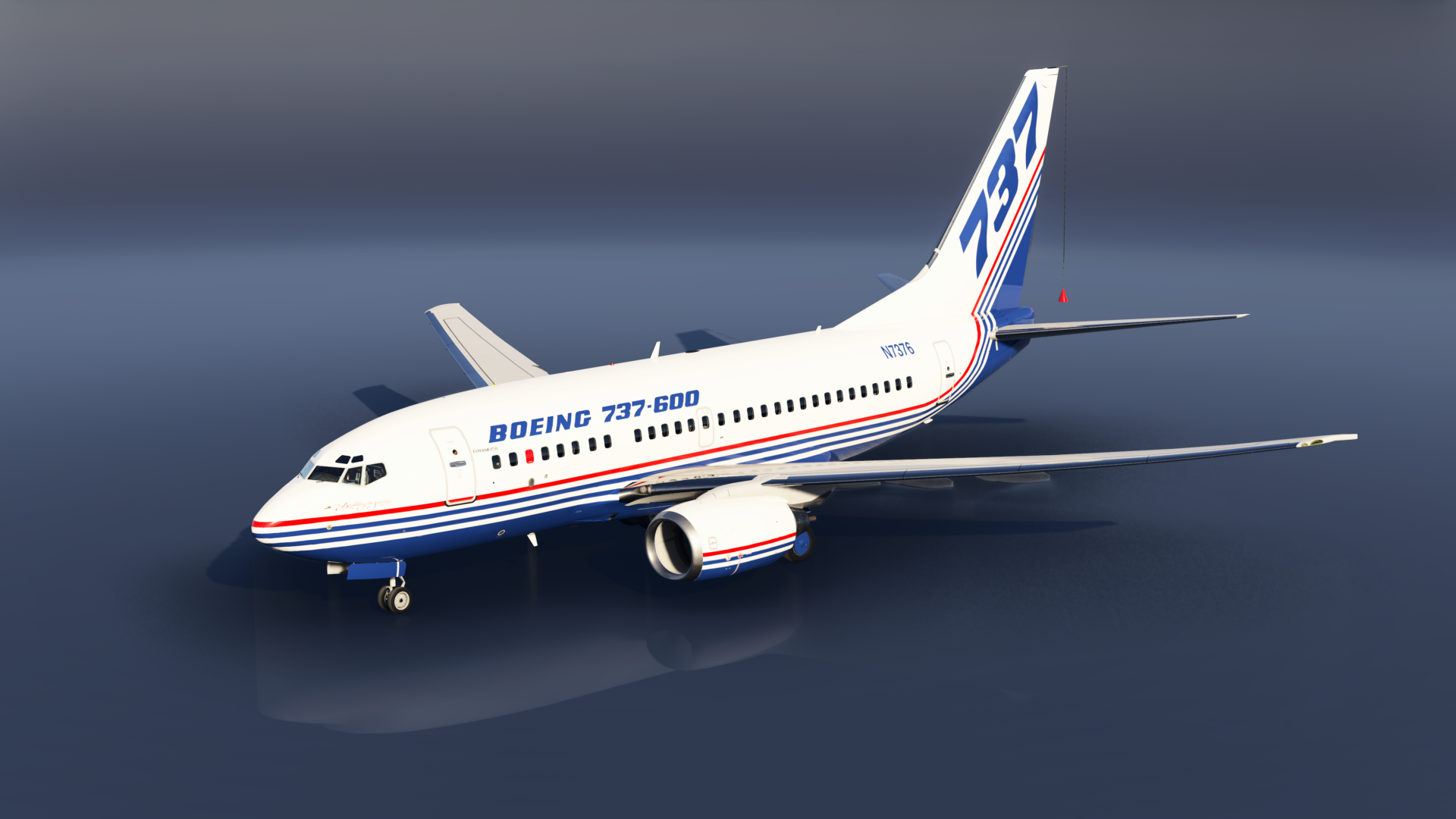
Boeing 737-600
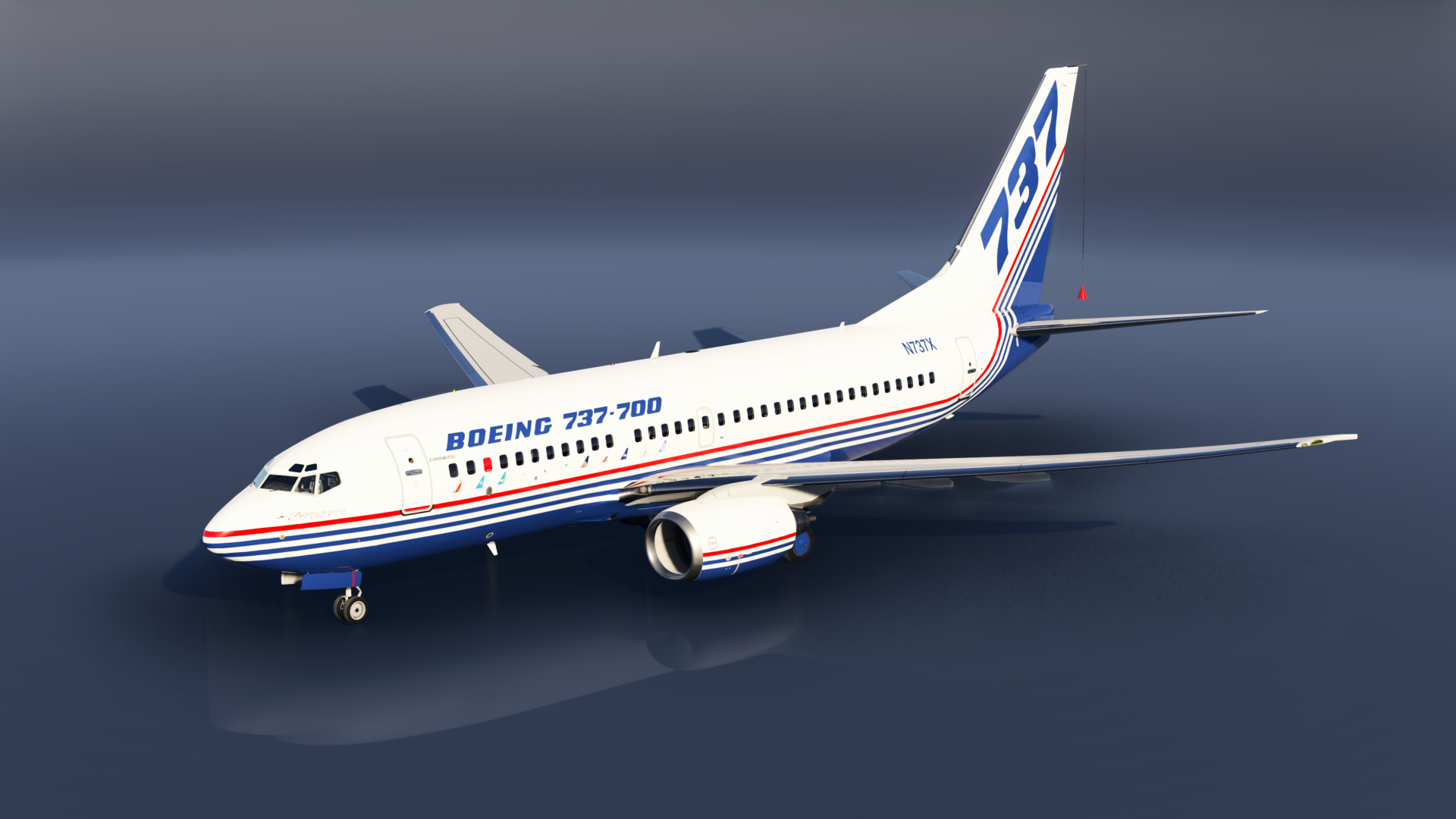
Boeing 737-700
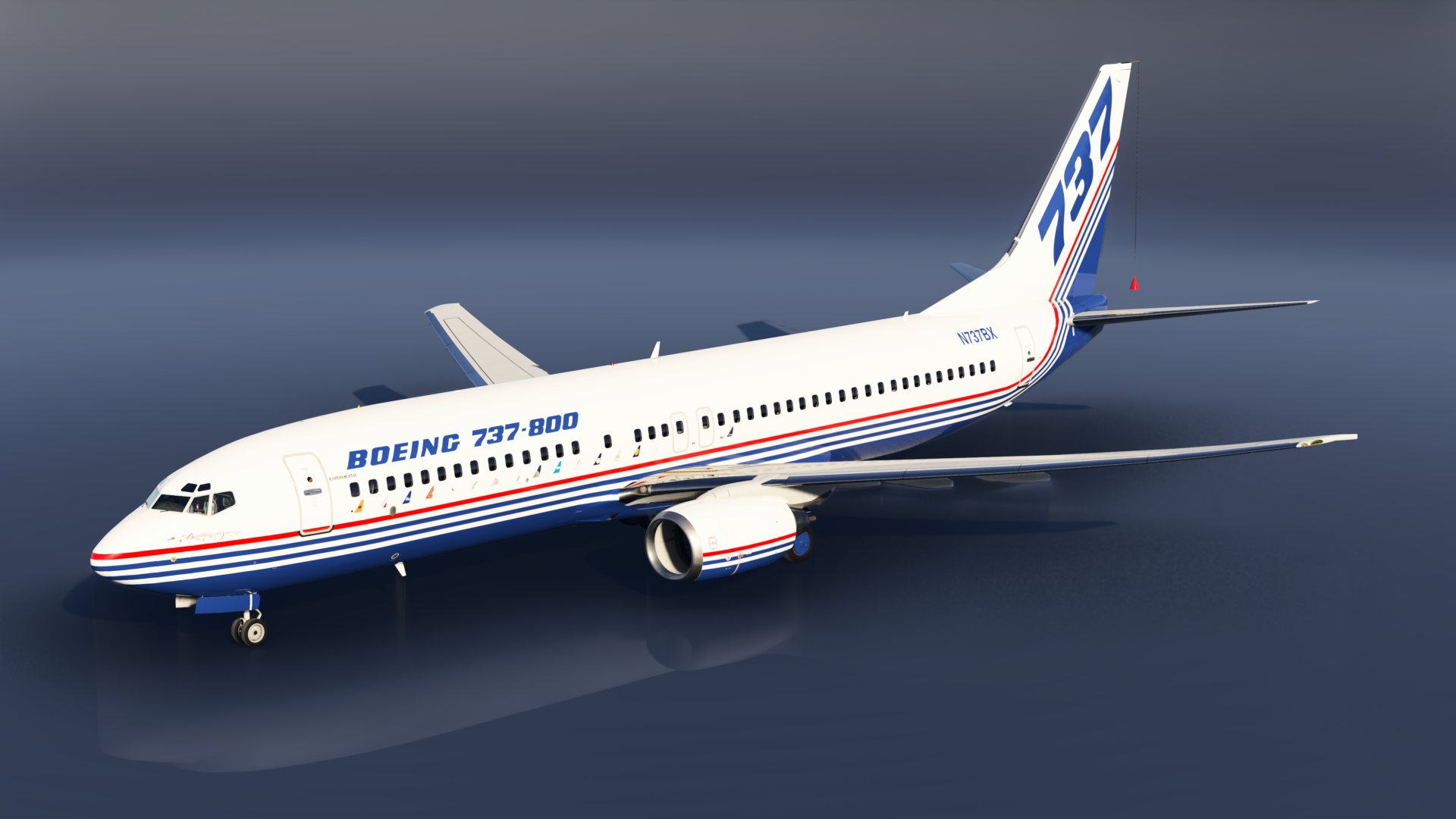
Boeing 737-800
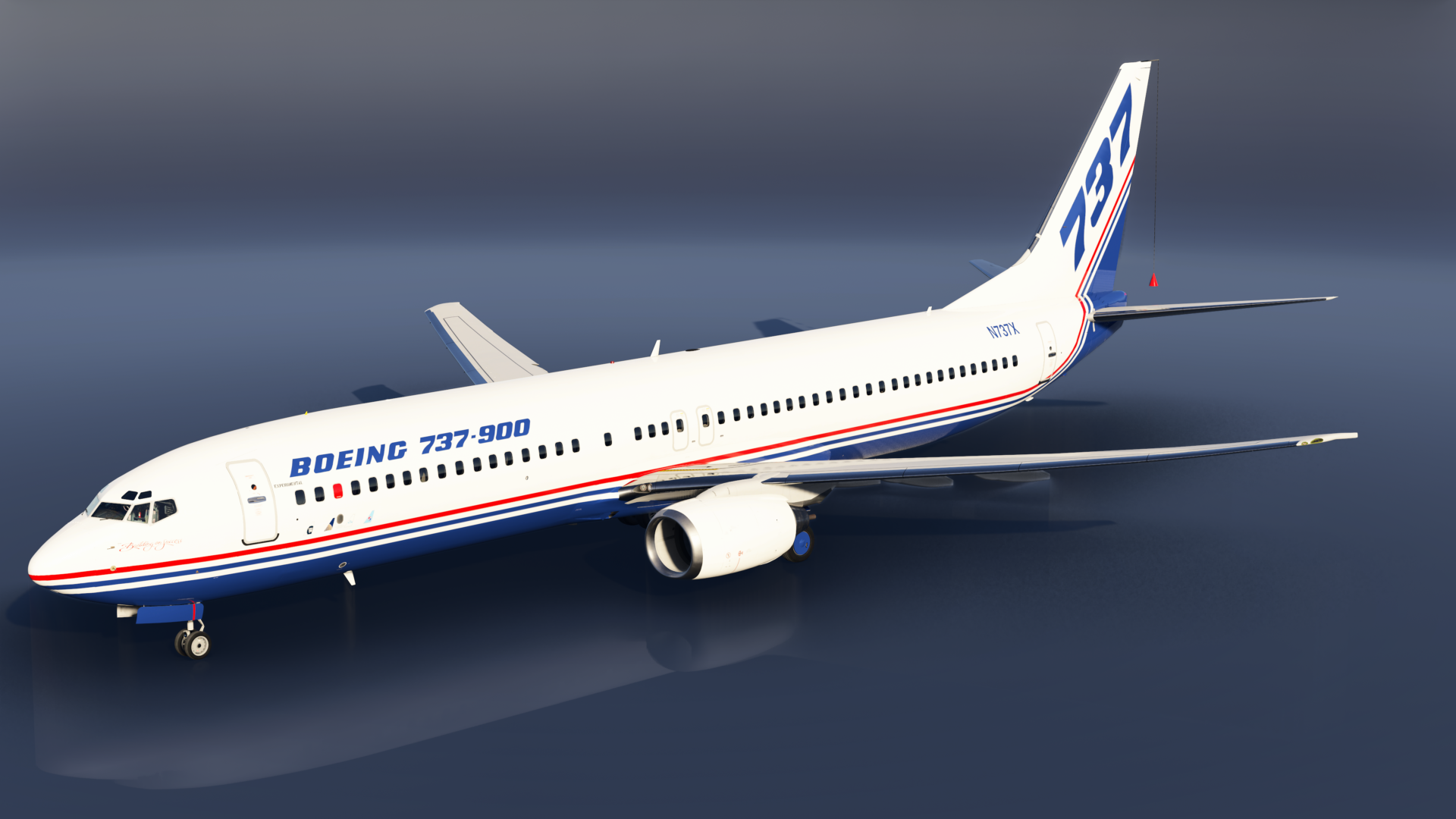
Boeing 737-900
A note about the 700, 800, and/or 900 model repaints you see without winglets.
PMDG does not make a non-winglet model for the 737 in Microsoft Flight Simulator. However, in FS2024 because of the modular nature of the model files it’s possible to make your own non-winglet models for the 700, 800, or 900 if you own the 600 as well. You can find the instructions on various websites including instructional videos on YouTube.
THE PLANES REPRESENTED HERE WILL INSTALL INTO THE BLENDED WINGLET MODEL BY DEFAULT.
However, if you choose to do so, you can make your own non-winglet models and use the repaints provided for accurate repaints of non-winglet planes. No support for is provided for creating your own non-winglet models and you do so at your own risk (always make backups before manual editing of files).